Frequently Asked Questions
What is GOT Online, and which teams is it built for?
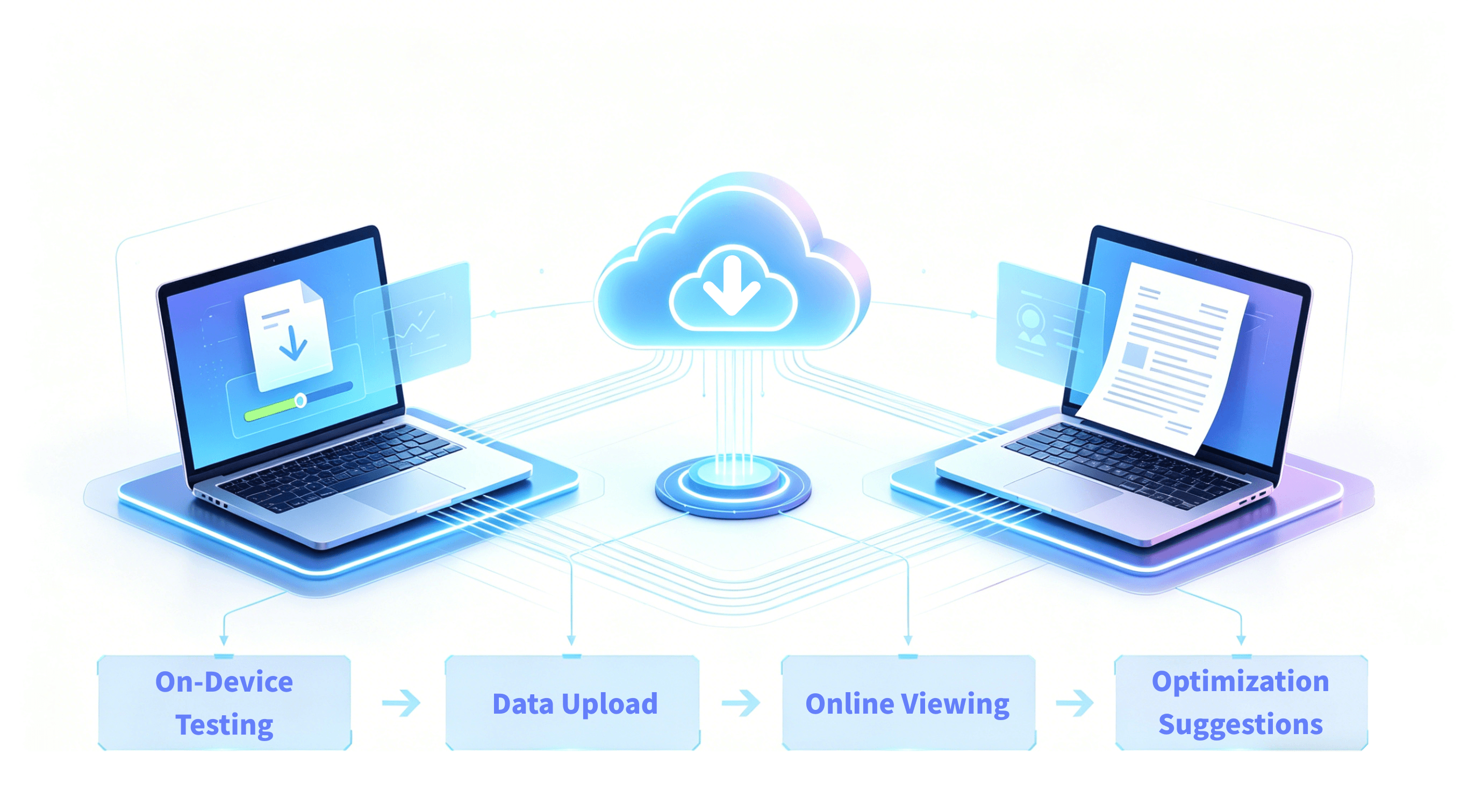
GOT Online is a Unity game performance optimization platform from GameOptim for development and testing teams, covering data capture, bottleneck diagnosis, trend analysis, and regression verification. It is especially useful for teams with frequent releases, multi-role collaboration, and long-term performance governance goals.
When frame drops, overheating, and memory growth appear together, how does GOT Online separate root causes from side effects?
GOT Online aligns FPS, CPU/GPU, memory, temperature, power, and network curves on the same timeline. Teams can locate the first abnormal signal and trace it down to specific modules and call stacks to distinguish root causes from chain reactions.
How does GOT Online help build an executable device-tier strategy when performance differs by device segment?
By combining device segmentation, scene splitting, and metric comparisons, teams can quickly identify high-risk device groups and gameplay segments. This helps prioritize fixes with the largest impact.
Across versions, how does GOT Online identify whether performance regression comes from code, assets, or scene content changes?
GOT Online provides cross-version trend comparison and module-level change visibility to identify likely regression sources. Whether changes come from logic, assets, or scene content, teams can narrow ownership faster.
In cases where average FPS looks fine but users still feel stutter, how does GOT Online locate real experience bottlenecks?
Even when average FPS is acceptable, GOT Online can locate transient anomalies through jank-frame analysis. Combined with stack traces and module cost breakdowns, teams can pinpoint loading, animation, physics, GC, and other experience bottlenecks.
How can teams use GOT Online to move from one-off profiling to continuous performance governance?
Teams can establish a baseline version, define threshold rules for key metrics, and connect them to automated release gates. After each optimization, they run same-scene revalidation to maintain a stable detect-fix-verify loop.
For open-world or long-session gameplay, how does GOT Online reveal risks that short tests often miss?
In long-session tests (30-60+ minutes), GOT Online can capture thermal throttling stutter after overheating, memory accumulation, and periodic spikes. This helps detect slow-burn risks before release.
When GPU metrics are complex and interdependent, how does GOT Online differentiate bandwidth bottlenecks, shader bottlenecks, and sync stalls?
GOT Online provides a linked multi-metric GPU view to isolate the dominant bottleneck type. Teams can more quickly distinguish bandwidth pressure, shader pressure, and sync-wait inefficiency.
When optimization actions conflict (for example, lower memory but worse loading stutter), how does GOT Online support trade-off decisions?
GOT Online supports same-scene multi-plan comparison, so teams can see the combined impact of each change on FPS, jank, memory, power, and thermals. Decisions become based on total outcome instead of single metrics.
How can GOT Online custom APIs combine with business events to diagnose cases where technical metrics look normal but player experience is still poor?
With custom APIs, teams can attach business-critical events such as combat bursts, scene transitions, and first-load paths to the performance timeline. This restores the real experience context when user feedback and raw metrics do not align.