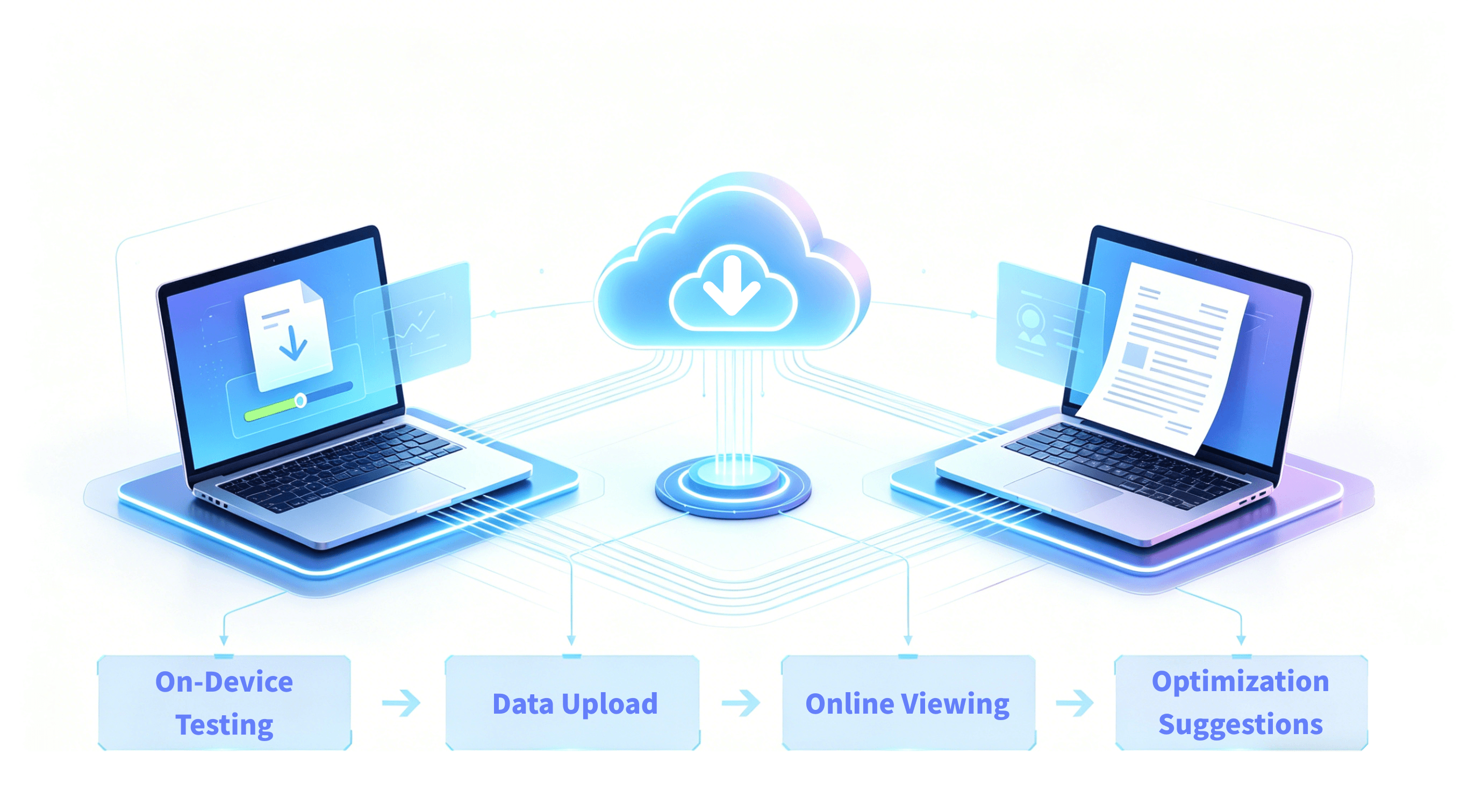
GOT Online 产品主视觉图

GOT Online Unity Game Performance Optimization Platform | GameOptim

Game Optimization Toolkit Online

Based on visualized data display, providing targeted analysis suggestions and performance parameter trends, facilitating efficient quality control execution

What is GOT Online used for?

GOT Online is a Unity game performance optimization platform for development and testing teams that need deeper root-cause diagnostics, cross-version trend tracking, and a structured optimization workflow.

Everyone is Using Our Services

  • Second Galaxy

    GOT Online SDK integration is convenient, can be configured with build machine to quickly release GOT Online dedicated test packages. GOT Online test reports are consistently comprehensive with high reference value. Combined with automated testing, using automated submission and flag marking functions, can automatically provide performance reports and analysis, continuously track project performance changes, guiding performance optimization direction like a lighthouse.

  • Tianyu

    GOT Online is powerful and easy to use; supports iOS Android dual platforms, automatically generates reports upon data submission. Performance briefs help efficiently locate performance issues, historical data verifies problem resolution, forming a closed loop.

  • Code: Expedition

    After in-depth use of GOT Online, there are six main gains
    1. View CPU time, memory, Lua, GPU time and other issues in the game based on curves on the webpage, can see current frame stack, screenshots and curve trends, can quickly locate specific functions.
    2. Can quickly locate resource leaks and non-standard places during game runtime, better when combined with local resource checking.
    3. Support code API calls to automatically start GOT and upload to GOT Online server, achieving daily automated performance reports, convenient for checking and preventing performance issues during development.
    4. Can view hardware information when current device is running, such as temperature and traffic, can optimize for specific models.
    5. Support custom variables, convenient for targeted testing and optimization of specific hotspots.
    6. Each report shows optimization task queues during testing, and each task provides specific solutions and references.

Overall Performance

Detect overall performance during project runtime, including engine module statistics, CPU function time, GPU time, heap memory trends, hardware information, and FPS frame rate

  • Overall Performance

    Detect overall performance during project runtime, including engine module statistics, CPU function time, GPU time, heap memory trends, hardware information, and FPS frame rate

  • Resource Detection

    Display the quantity and memory trends of various resource types during project runtime, as well as specific information and lifecycle of any resource

  • Heap Memory Analysis

    Display heap memory allocation of script functions during project runtime, mainly including specific heap memory allocation and leak analysis

  • Lua Performance Analysis

    Analyze Lua CPU time and memory leak issues

  • Trends and Analysis

    Display historical data trends, provide professional suggestions and analysis

Evidence You Can Verify

  • Focuses on Unity optimization signals across CPU, GPU, memory, resources, and stutter.

  • Supports report sharing and collaboration workflows for development and QA teams.

  • Integrates with automated test pipelines to continuously track performance changes.

  • Works well with Gears: use Gears for quick checks and GOT Online for deeper diagnostics.

Frequently Asked Questions

What is GOT Online, and which teams is it built for?

GOT Online is a Unity game performance optimization platform from GameOptim for development and testing teams, covering data capture, bottleneck diagnosis, trend analysis, and regression verification. It is especially useful for teams with frequent releases, multi-role collaboration, and long-term performance governance goals.

When frame drops, overheating, and memory growth appear together, how does GOT Online separate root causes from side effects?

GOT Online aligns FPS, CPU/GPU, memory, temperature, power, and network curves on the same timeline. Teams can locate the first abnormal signal and trace it down to specific modules and call stacks to distinguish root causes from chain reactions.

How does GOT Online help build an executable device-tier strategy when performance differs by device segment?

By combining device segmentation, scene splitting, and metric comparisons, teams can quickly identify high-risk device groups and gameplay segments. This helps prioritize fixes with the largest impact.

Across versions, how does GOT Online identify whether performance regression comes from code, assets, or scene content changes?

GOT Online provides cross-version trend comparison and module-level change visibility to identify likely regression sources. Whether changes come from logic, assets, or scene content, teams can narrow ownership faster.

In cases where average FPS looks fine but users still feel stutter, how does GOT Online locate real experience bottlenecks?

Even when average FPS is acceptable, GOT Online can locate transient anomalies through jank-frame analysis. Combined with stack traces and module cost breakdowns, teams can pinpoint loading, animation, physics, GC, and other experience bottlenecks.

How can teams use GOT Online to move from one-off profiling to continuous performance governance?

Teams can establish a baseline version, define threshold rules for key metrics, and connect them to automated release gates. After each optimization, they run same-scene revalidation to maintain a stable detect-fix-verify loop.

For open-world or long-session gameplay, how does GOT Online reveal risks that short tests often miss?

In long-session tests (30-60+ minutes), GOT Online can capture thermal throttling stutter after overheating, memory accumulation, and periodic spikes. This helps detect slow-burn risks before release.

When GPU metrics are complex and interdependent, how does GOT Online differentiate bandwidth bottlenecks, shader bottlenecks, and sync stalls?

GOT Online provides a linked multi-metric GPU view to isolate the dominant bottleneck type. Teams can more quickly distinguish bandwidth pressure, shader pressure, and sync-wait inefficiency.

When optimization actions conflict (for example, lower memory but worse loading stutter), how does GOT Online support trade-off decisions?

GOT Online supports same-scene multi-plan comparison, so teams can see the combined impact of each change on FPS, jank, memory, power, and thermals. Decisions become based on total outcome instead of single metrics.

How can GOT Online custom APIs combine with business events to diagnose cases where technical metrics look normal but player experience is still poor?

With custom APIs, teams can attach business-critical events such as combat bursts, scene transitions, and first-load paths to the performance timeline. This restores the real experience context when user feedback and raw metrics do not align.


Professional Features

  • Simpler

    SDK integration only requires 3 steps:
    Local testing; View on GameOptim official website; Instantly view evaluation reports

  • Easy Collaboration

    Invite members to participate in projects; one upload, multiple sharing

  • More Precise

    Important engine module indicators; detailed analysis of resources and Mono heap memory; Lua performance analysis; comprehensive performance brief analysis